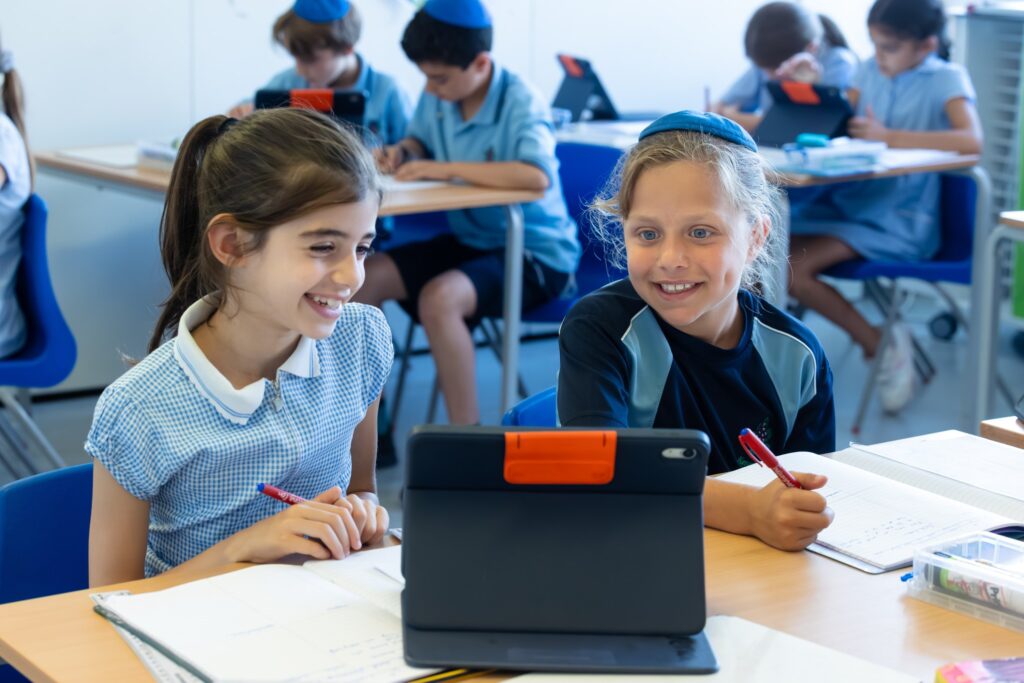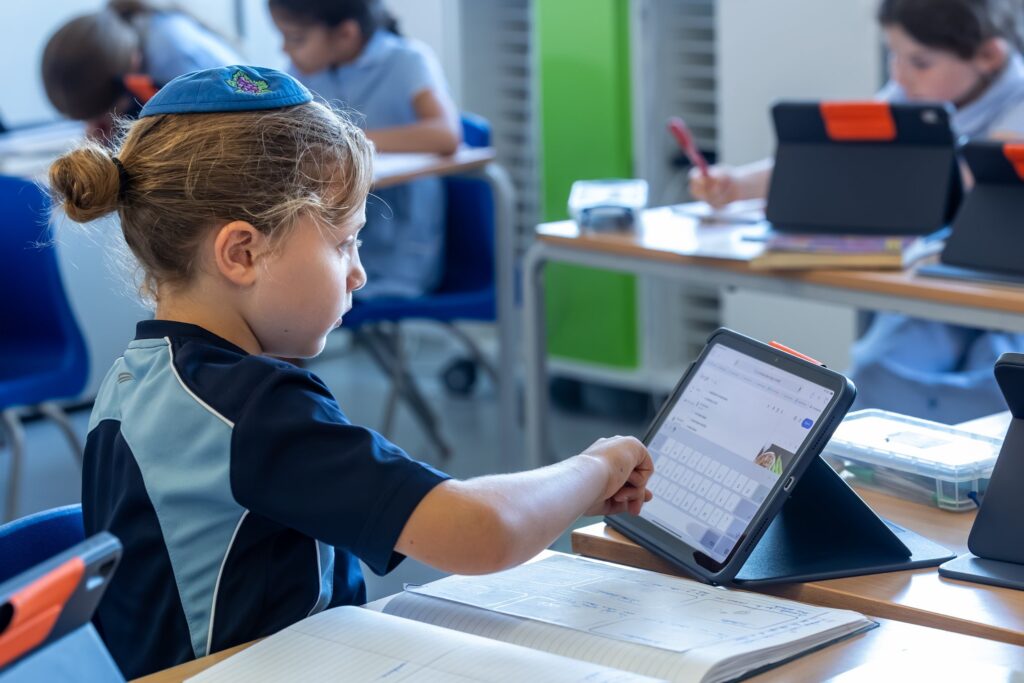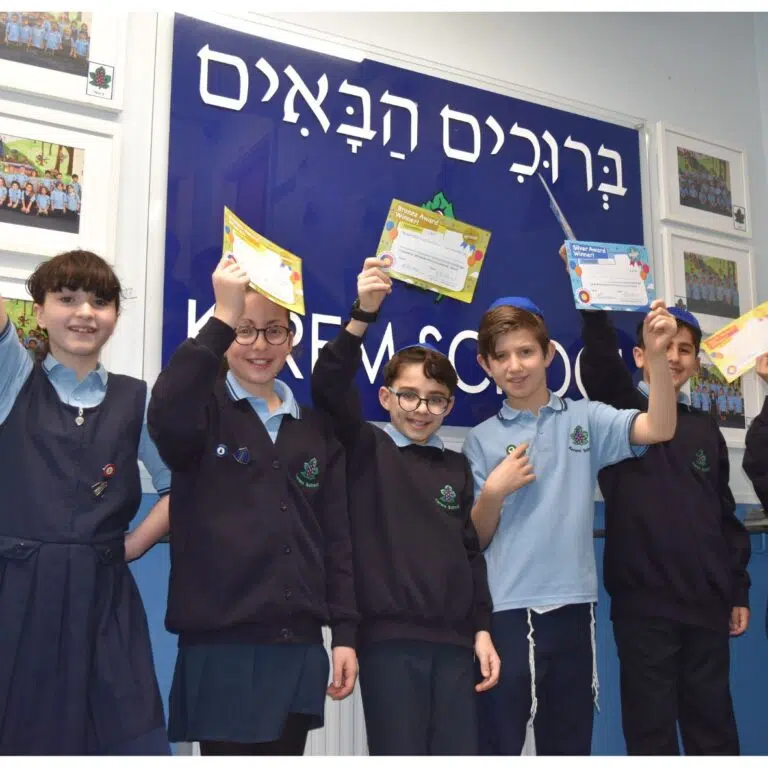


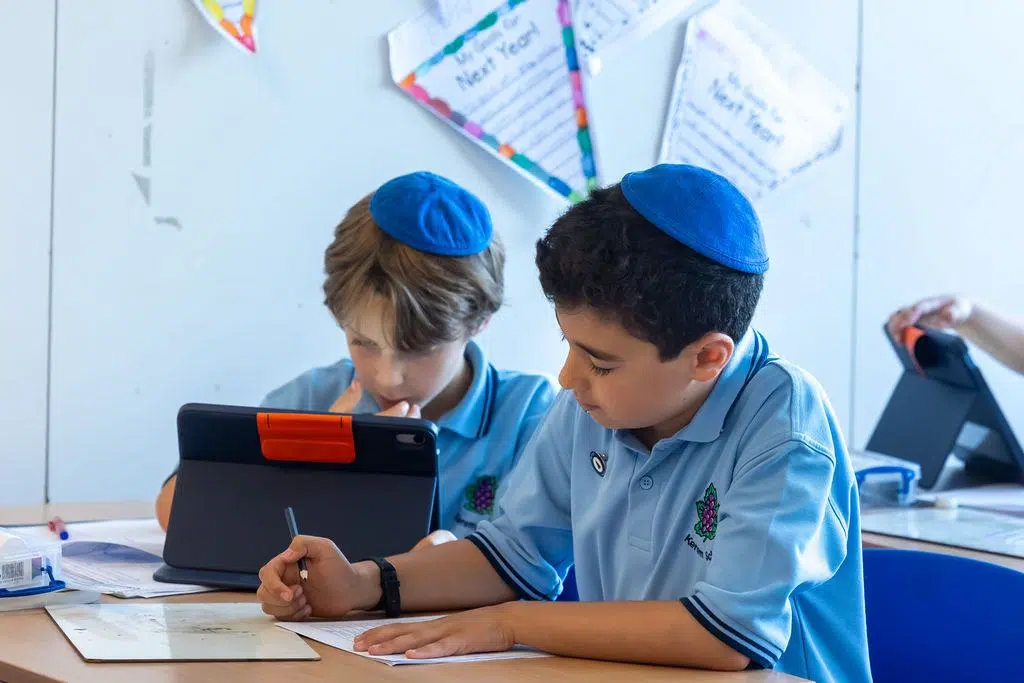
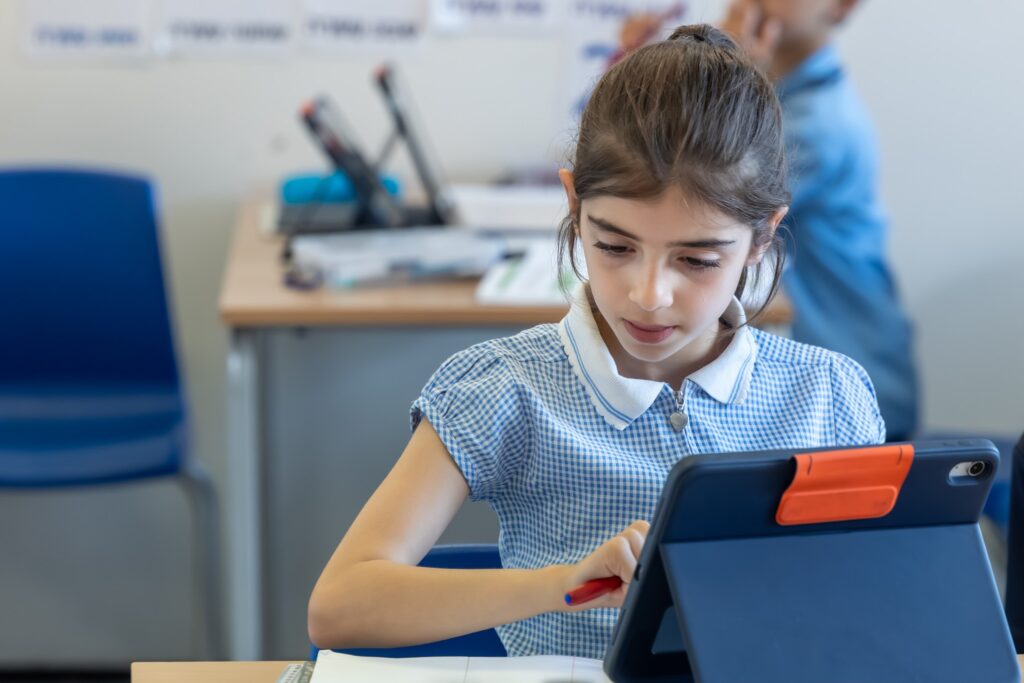
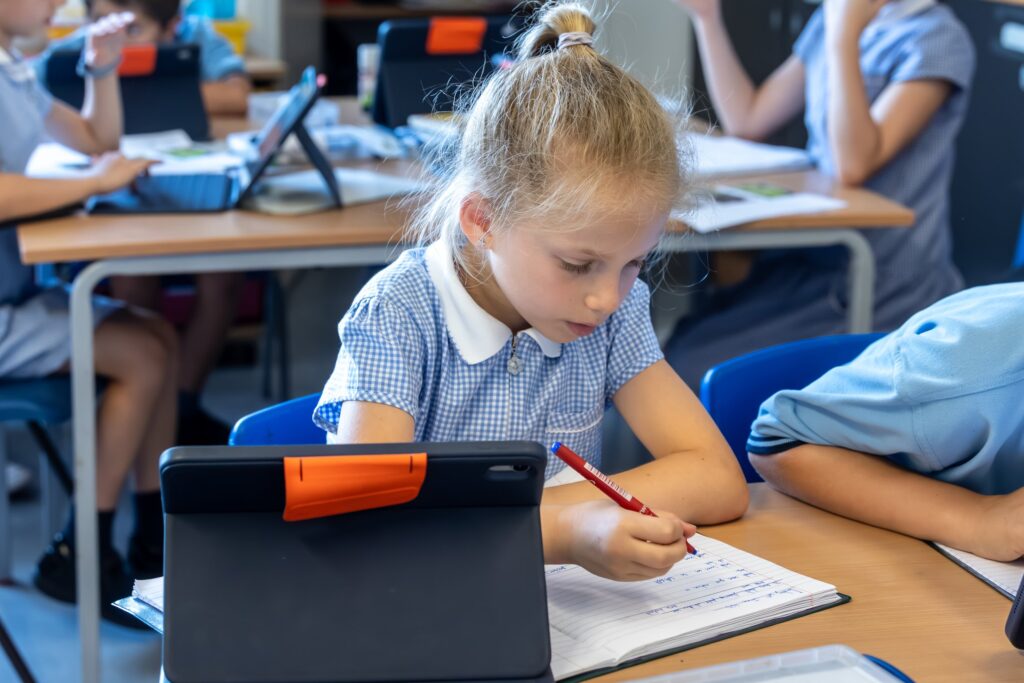
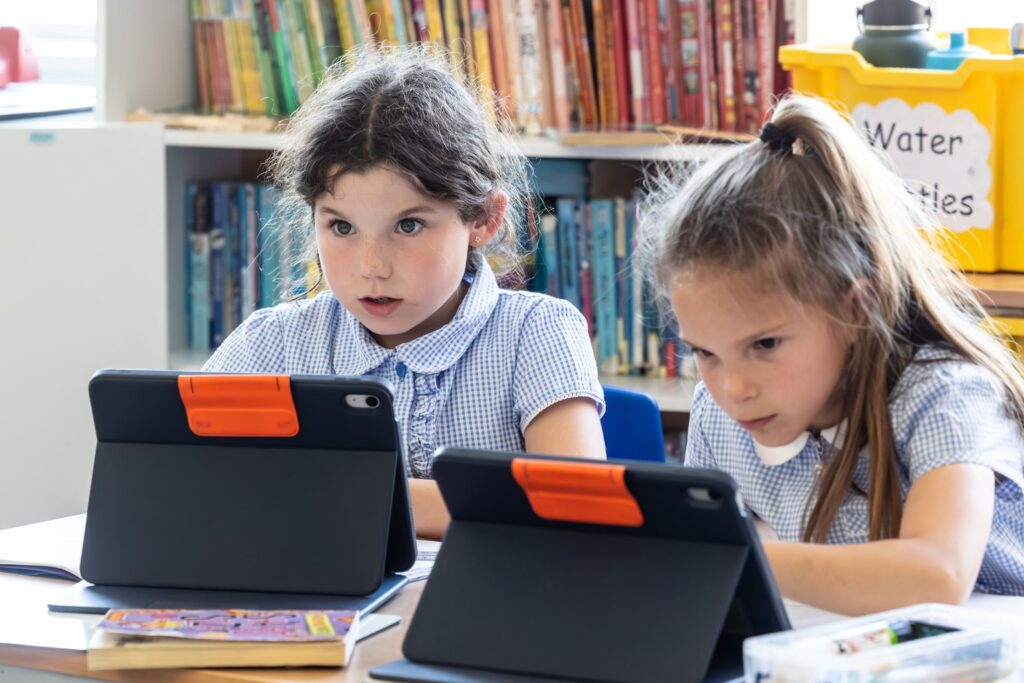
At Kerem, technology is used thoughtfully to enhance learning — never to replace great teaching. Pupils from Years 3–6 benefit from individual iPads, while younger children use shared devices to support their learning in age-appropriate ways.
Technology is integrated across the curriculum, enabling pupils to research, create, collaborate and develop digital confidence. Dedicated Computing lessons build essential skills such as coding, online research and digital presentation, while classroom use helps pupils take greater ownership of their learning.
The effectiveness of our approach was recognised in our most recent ISI inspection, which praised the imaginative and productive use of tablet technology to enhance individualised pupil learning.
As one of our pupils noted, “Having my own iPad means I can take control of my own learning at my own pace.”
 You can also prevent your child from being able to install or delete apps, make in-app purchases, and more. To prevent iTunes & App Store purchases or downloads:
 You can restrict the use of built-in apps or features. If you turn off an app or feature, it won’t delete it, it’s just temporarily hidden from your Home screen. For example, if you turn off Mail, the Mail app won’t appear on your Home Screen until you turn it back on.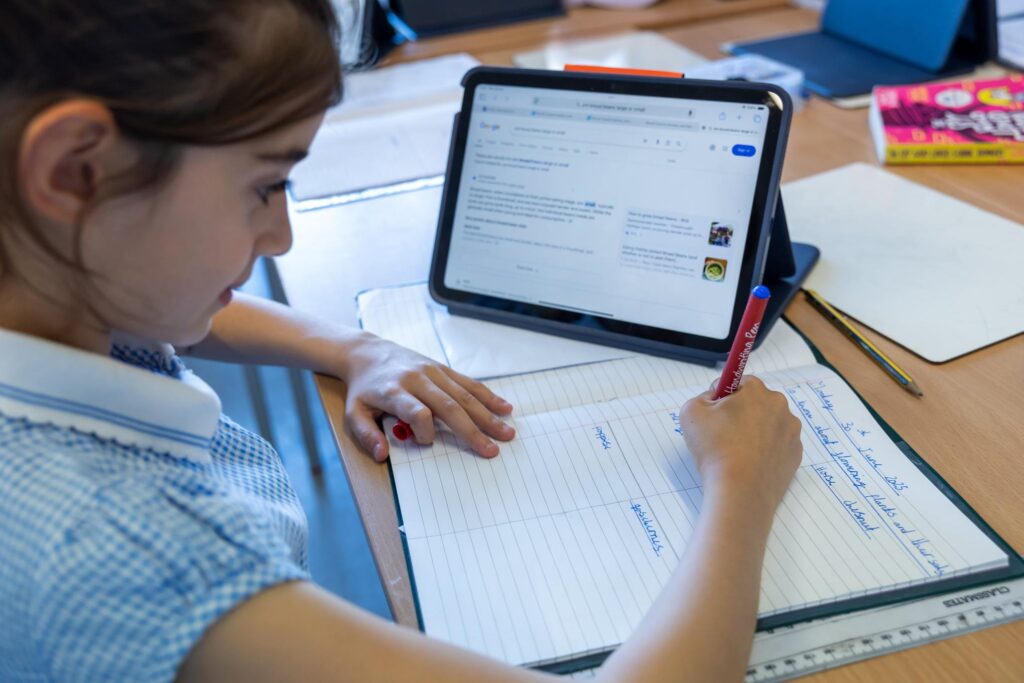
 iOS can automatically filter website content to limit access to adult content in Safari and apps on your device. You can also add specific websites to an approved or blocked list, or you can limit access to only approved websites. Follow these steps: